> ## Documentation Index
> Fetch the complete documentation index at: https://fillout-005a867b-dependabot-npm-and-yarn-form-data-4-0-6.mintlify.site/llms.txt
> Use this file to discover all available pages before exploring further.
# Social media links
> Add buttons that redirect to your organization’s social media pages, messaging channels, portfolios, and other platforms.
## How to add a social media link
From the left-hand panel, click `Social media links`. Buttons for Facebook, X, and Instagram will appear by default.
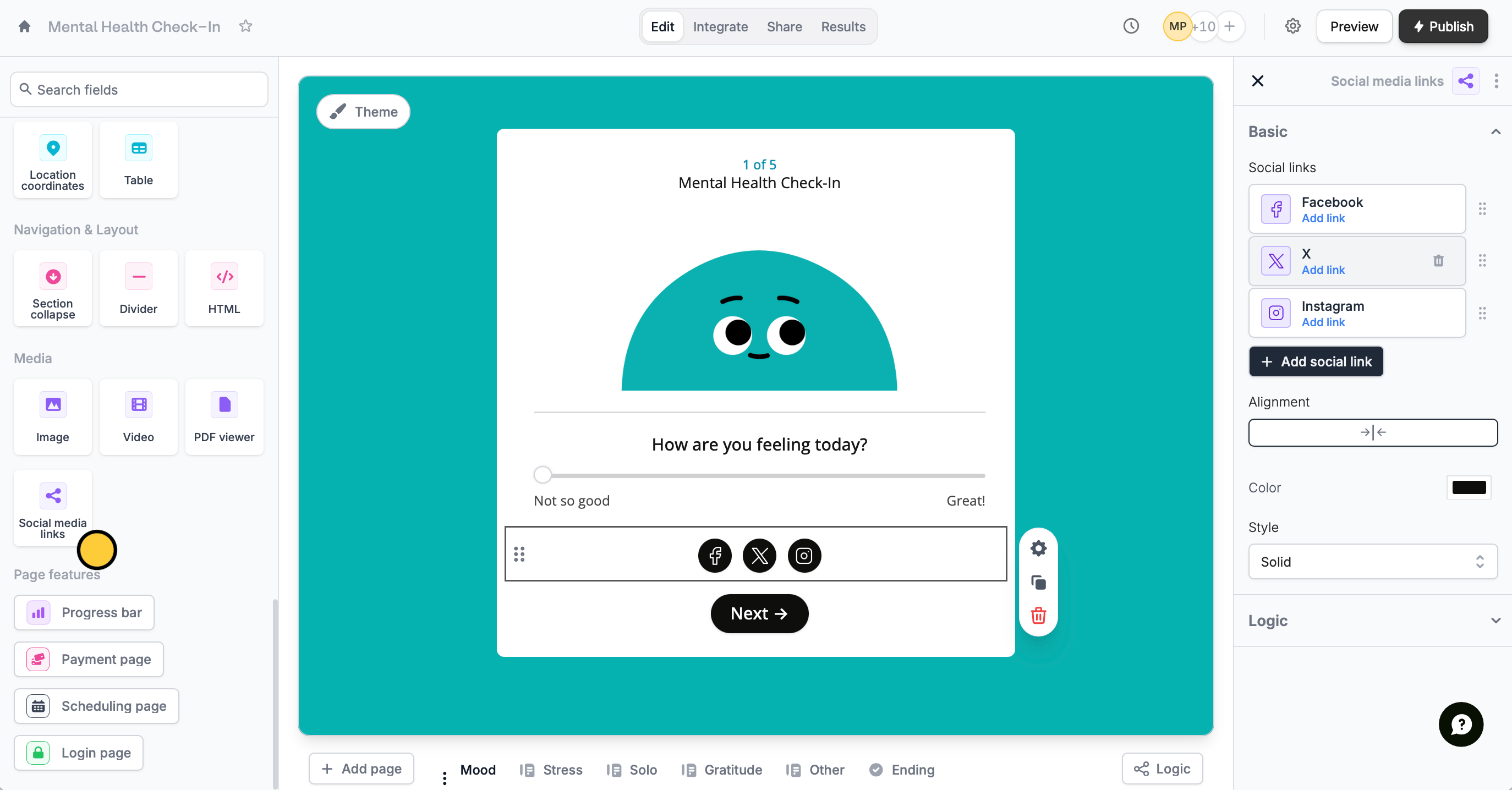 On the right-hand panel, click **Add link** to add URLs for each platform. To delete one, hover over a platform and click .
You can also customize your button links like:
* Change their order from left to right using
* Add more social links or platforms
* Change their alignment, color, and style
## Related article
Add URLs in your form to link to external websites or services.
On the right-hand panel, click **Add link** to add URLs for each platform. To delete one, hover over a platform and click .
You can also customize your button links like:
* Change their order from left to right using
* Add more social links or platforms
* Change their alignment, color, and style
## Related article
Add URLs in your form to link to external websites or services.