> ## Documentation Index
> Fetch the complete documentation index at: https://fillout-005a867b-dependabot-npm-and-yarn-form-data-4-0-6.mintlify.site/llms.txt
> Use this file to discover all available pages before exploring further.
# Update existing SmartSuite records with a form
> Create a Fillout form that automatically updates records in SmartSuite whenever a respondent completes your form.
## How it works
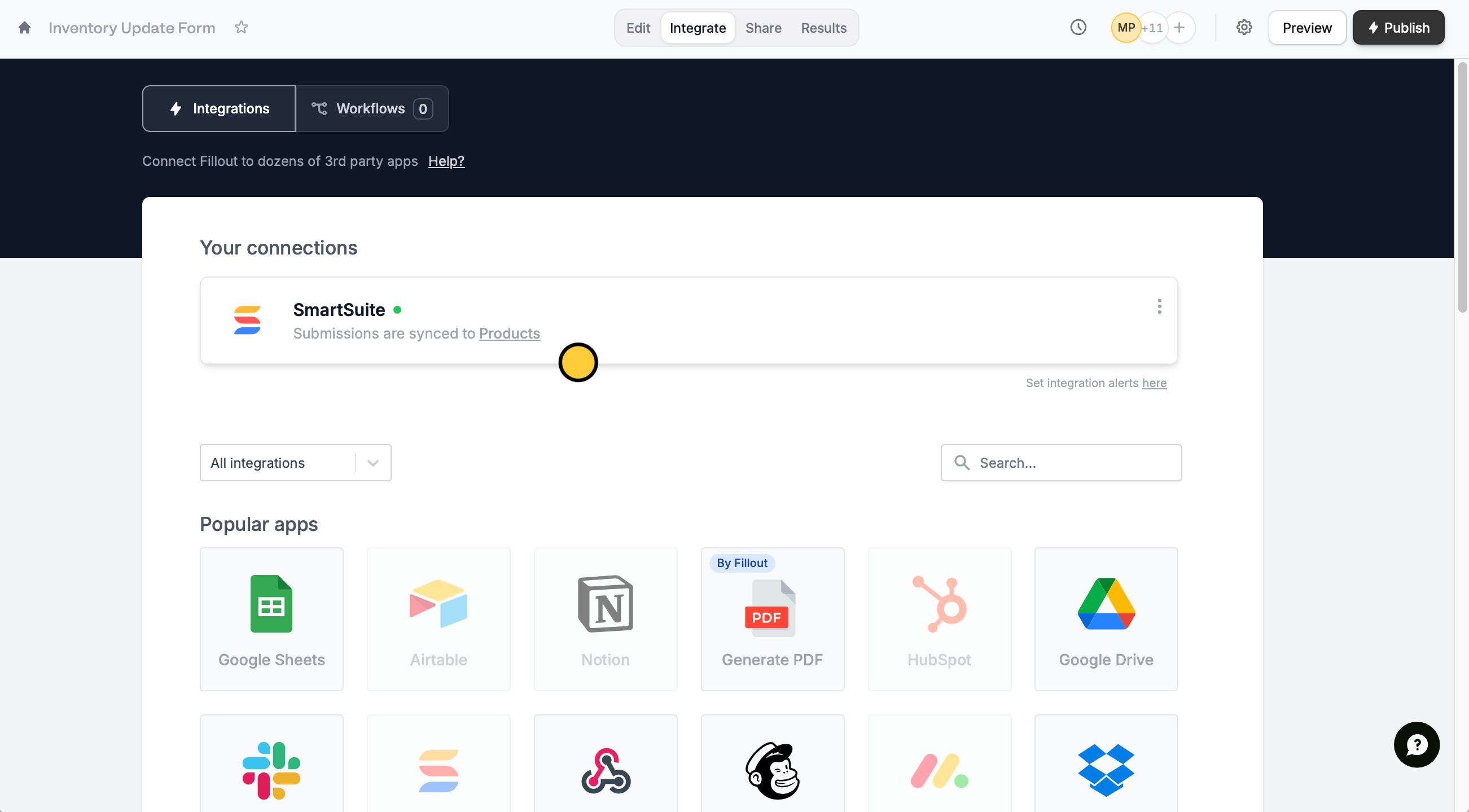
Open your [SmartSuite-connected form](https://www.fillout.com/help/smartsuite). Click `Integrate` followed by `SmartSuite`.
 Then specify that you want to `Update record`.
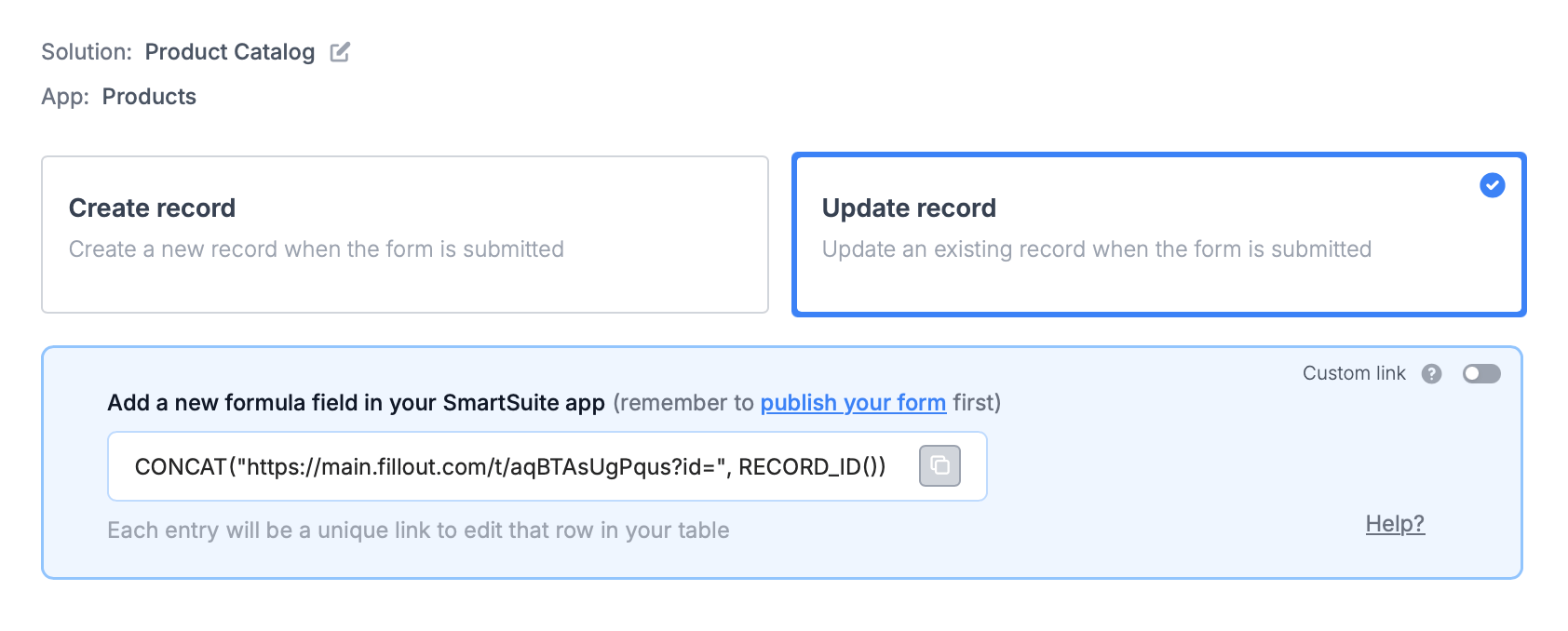 You'll now get a formula that defines a **unique link** for every record in your table.
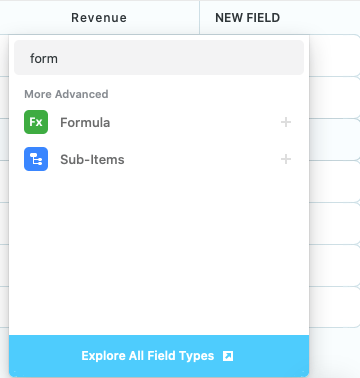
In SmartSuite, create a new `formula`field and paste the formula Fillout provides.
You'll now get a formula that defines a **unique link** for every record in your table.
In SmartSuite, create a new `formula`field and paste the formula Fillout provides.
 That's it! Click `Update` on the upper right corner and `Publish` your form.
To update a SmartSuite solution, click `Preview` and select a **Record to update** or click one of the unique links from SmartSuite.
That's it! Click `Update` on the upper right corner and `Publish` your form.
To update a SmartSuite solution, click `Preview` and select a **Record to update** or click one of the unique links from SmartSuite.
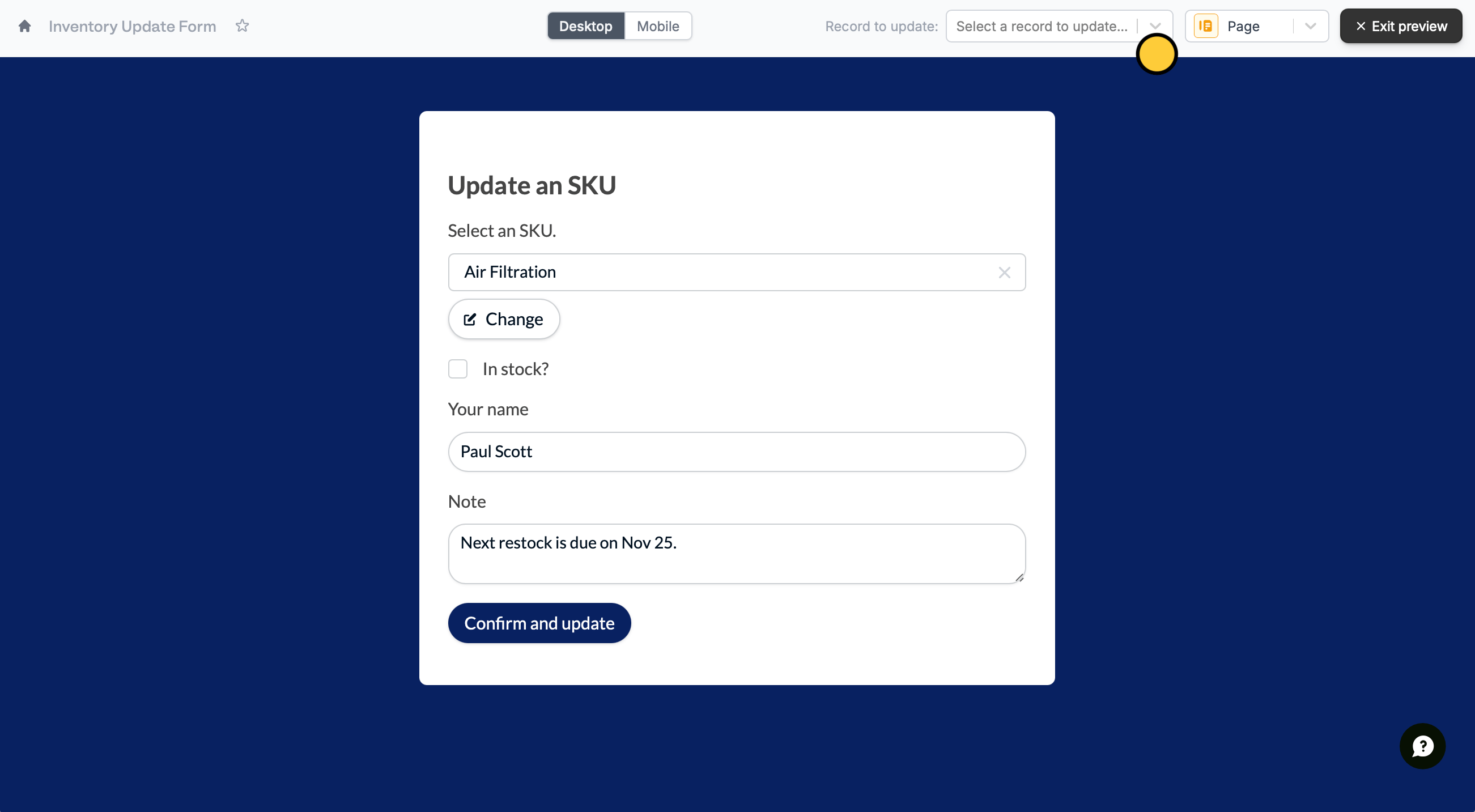 Your form is **automatically pre-filled** for whichever record it is updating.
## SmartSuite specific guide
Add responses to a SmartSuite solution.
Your form is **automatically pre-filled** for whichever record it is updating.
## SmartSuite specific guide
Add responses to a SmartSuite solution.