> ## Documentation Index
> Fetch the complete documentation index at: https://fillout-005a867b-dependabot-npm-and-yarn-form-data-4-0-6.mintlify.site/llms.txt
> Use this file to discover all available pages before exploring further.
# Restore previous form version
> View edit history and undo changes in bulk.
## How to view edit history
On the upper right area of your form editor, click .
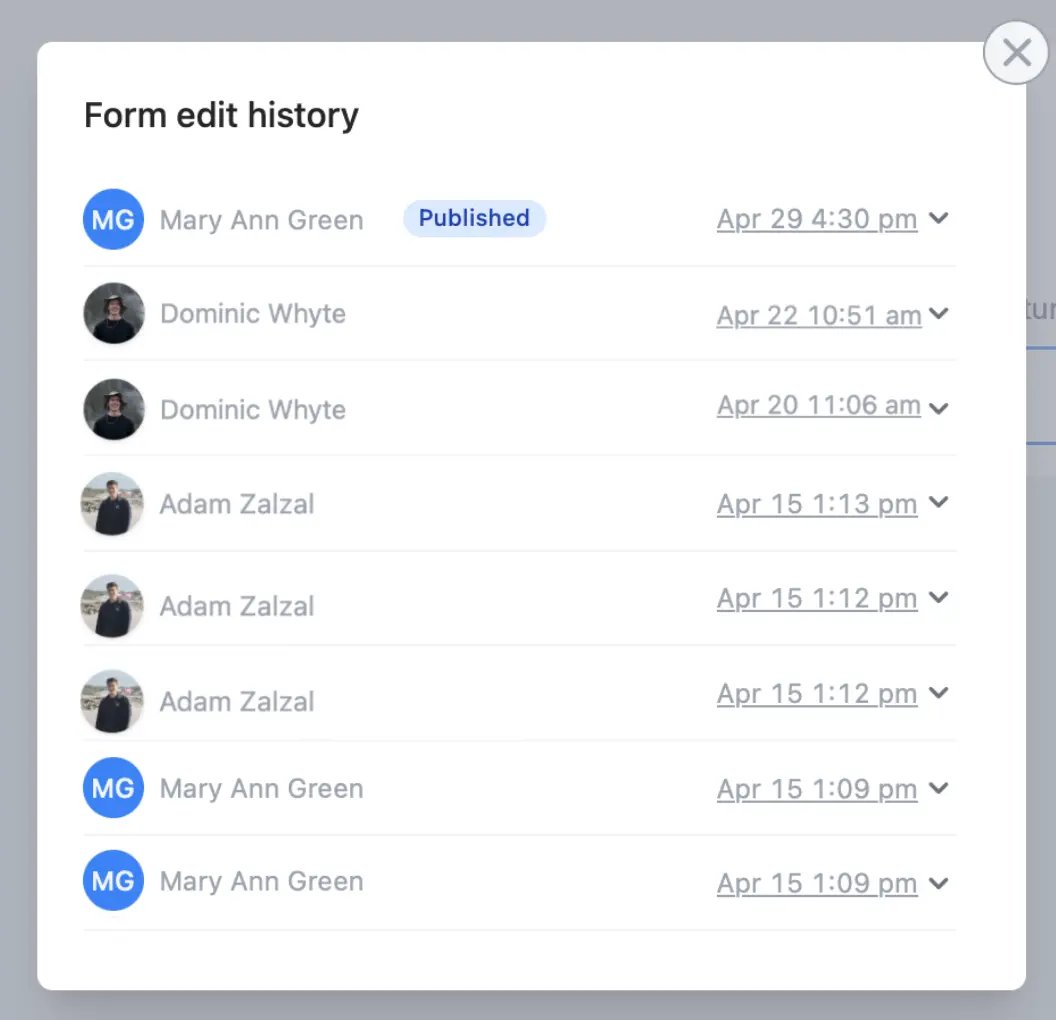 ## Restore past versions
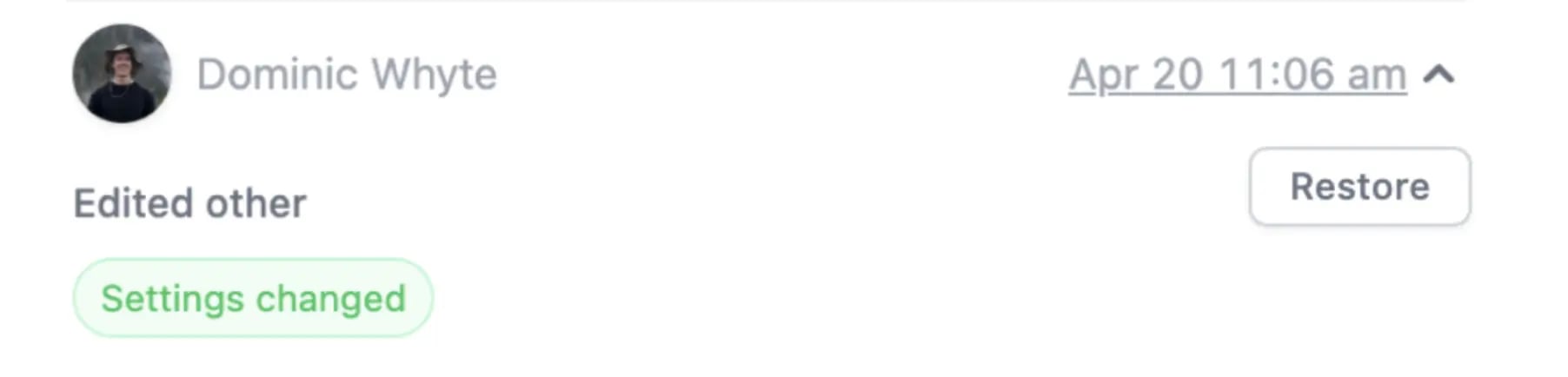
Click the dropdown arrow to see changes made followed by `Restore`.
## Restore past versions
Click the dropdown arrow to see changes made followed by `Restore`.
 ## Related articles
View results and edit forms with free seats.
Use an existing form as a starting point for a new form with Fillout.
Build forms faster by duplicating questions or fields.
## Related articles
View results and edit forms with free seats.
Use an existing form as a starting point for a new form with Fillout.
Build forms faster by duplicating questions or fields.