> ## Documentation Index
> Fetch the complete documentation index at: https://fillout-005a867b-dependabot-npm-and-yarn-form-data-4-0-6.mintlify.site/llms.txt
> Use this file to discover all available pages before exploring further.
# Custom favicon
> Add your logo or icon to a browser tab and in shareable Fillout link previews.
## What is a favicon?
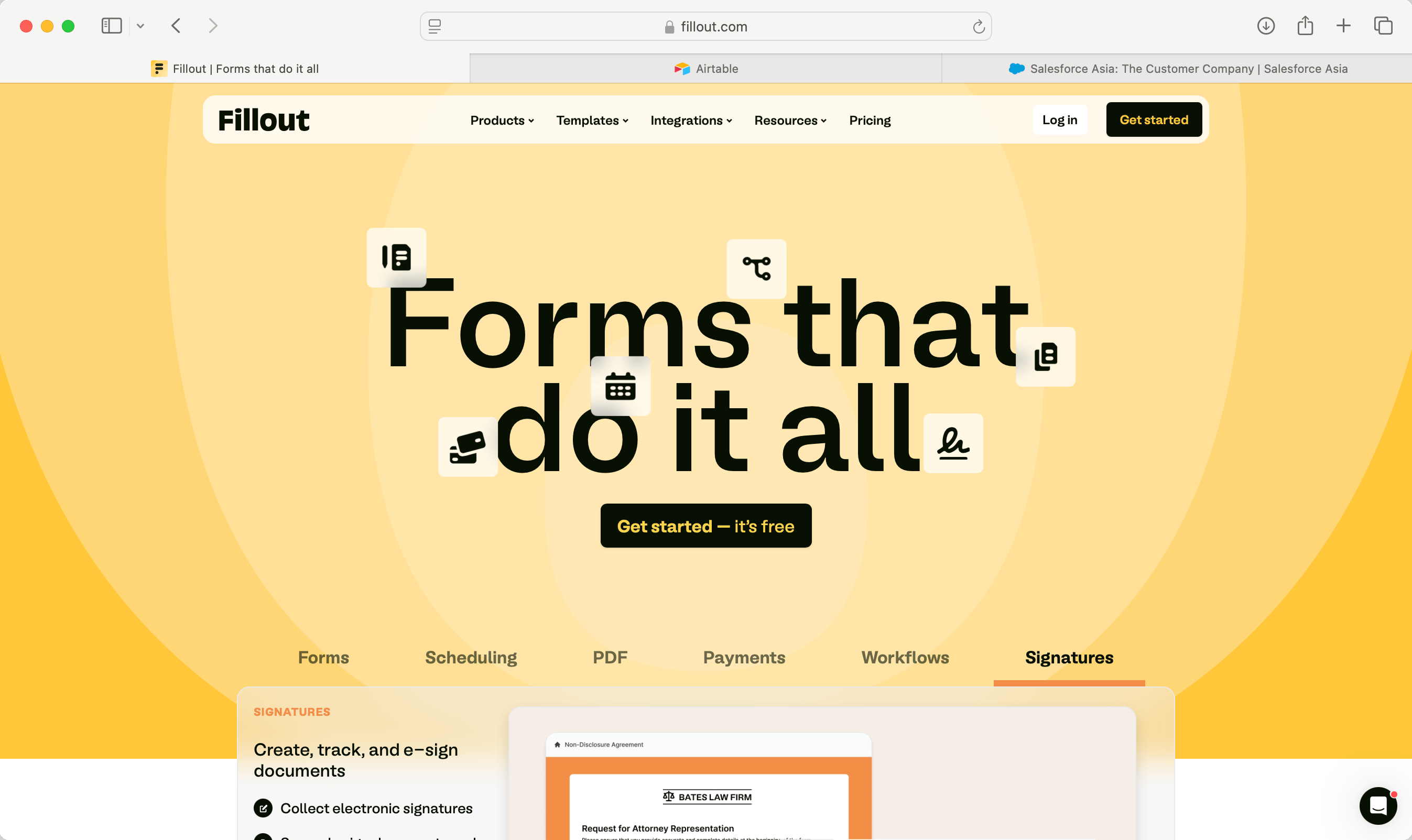
A **favicon**, short for "favorite icon," is a small image or icon associated with a website. It is displayed in the browser's address bar, next to the page title in browser tabs, and can also be shown in bookmarks and history lists.
 ## How to add a favicon
From your workspace, click your `Account name` on the upper left corner followed by `Settings`. Then, `Upload` a **Favicon**.
## How to add a favicon
From your workspace, click your `Account name` on the upper left corner followed by `Settings`. Then, `Upload` a **Favicon**.
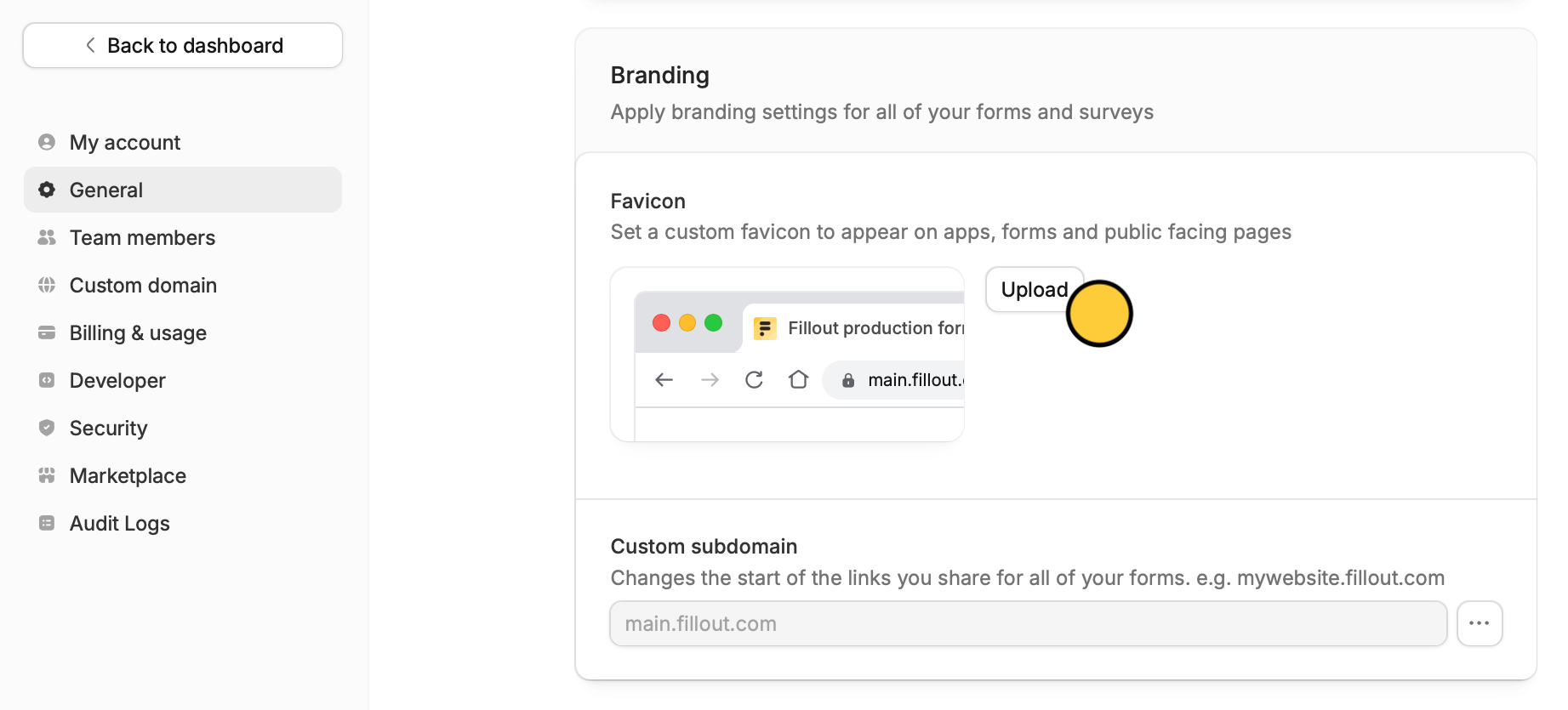 **Upload** your logo or icon. Alternatively, you can also copy and paste an image **link**. You're good to go! Your logo or icon will now appear on your forms' browser tabs and links.
## Related articles
Add a professional touch and create strong brand identity.
Customize form URLs to enhance your branding.
Customize your form's share link, subdomain and URL ending.
**Upload** your logo or icon. Alternatively, you can also copy and paste an image **link**. You're good to go! Your logo or icon will now appear on your forms' browser tabs and links.
## Related articles
Add a professional touch and create strong brand identity.
Customize form URLs to enhance your branding.
Customize your form's share link, subdomain and URL ending.