> ## Documentation Index
> Fetch the complete documentation index at: https://fillout-005a867b-dependabot-npm-and-yarn-form-data-4-0-6.mintlify.site/llms.txt
> Use this file to discover all available pages before exploring further.
# Embed Fillout forms on React
> Increase conversions and intake data by embedding a powerful Fillout form on your React app.
View the docs and get started here
## What is React?
[**React**](https://react.dev/?ref=filloutforms-helparticle) is a JavaScript library for building user interfaces, allowing developers to create interactive and dynamic web applications efficiently. It provides a modular and declarative approach to building UI components, facilitating the development of scalable and maintainable applications.
## How it works
Embedding Fillout forms in a custom-built React app can be a great way to get refined control over how the forms are displayed on your site. You’ll also be able to define custom button designs for embeds like popups and sliders. To start embedding, simply add the `@fillout/react` npm library to your React project, and then select what kind of embed you’d like to use.
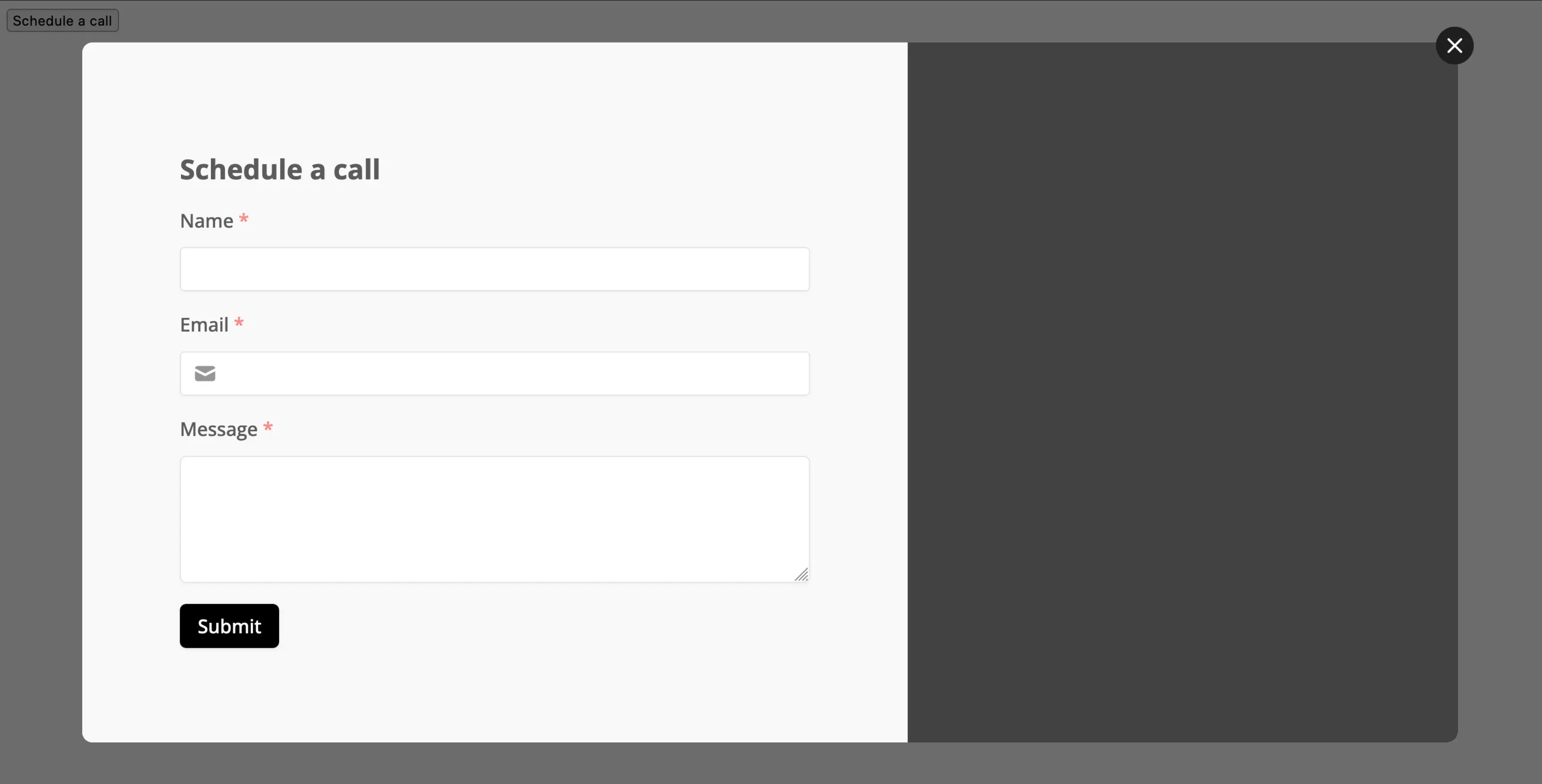
For example, embed a popup form using either a standard button or a custom one:
 ## Related article
Share your forms via link, embed, or QR code.
## Related article
Share your forms via link, embed, or QR code.