> ## Documentation Index
> Fetch the complete documentation index at: https://fillout-005a867b-dependabot-npm-and-yarn-form-data-4-0-6.mintlify.site/llms.txt
> Use this file to discover all available pages before exploring further.
# Delay
> Pause workflows for a specified duration before performing tasks. Choose to delay for minutes, hours, or even days.
## Overview
Delaying [actions](/workflows) gives you control over when tasks are triggered. You can set this delay to last for just a few minutes or extend it to hours or days, depending on your needs. This is especially useful for workflows that require follow-ups, reminders, or timed sequences.
## How to delay an action
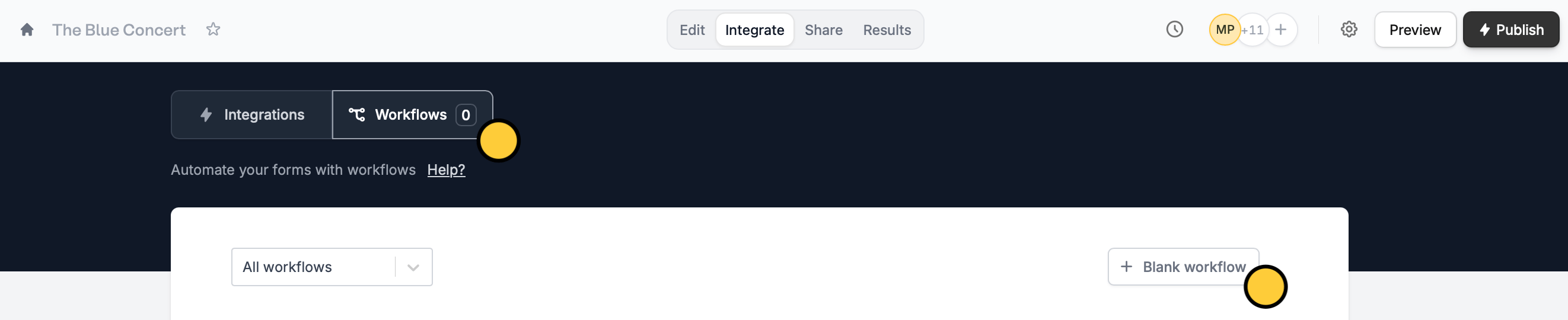
Click `Integrate` on the top menu of your form, followed by `Workflows`. Then, start with a `+ Blank workflow`.
 Select a **trigger**. Then, choose `Delay` and set how soon you want a task to be done. The default delay is 30 minutes, but it can also be set to a shorter duration in minutes or extended to hours or days.
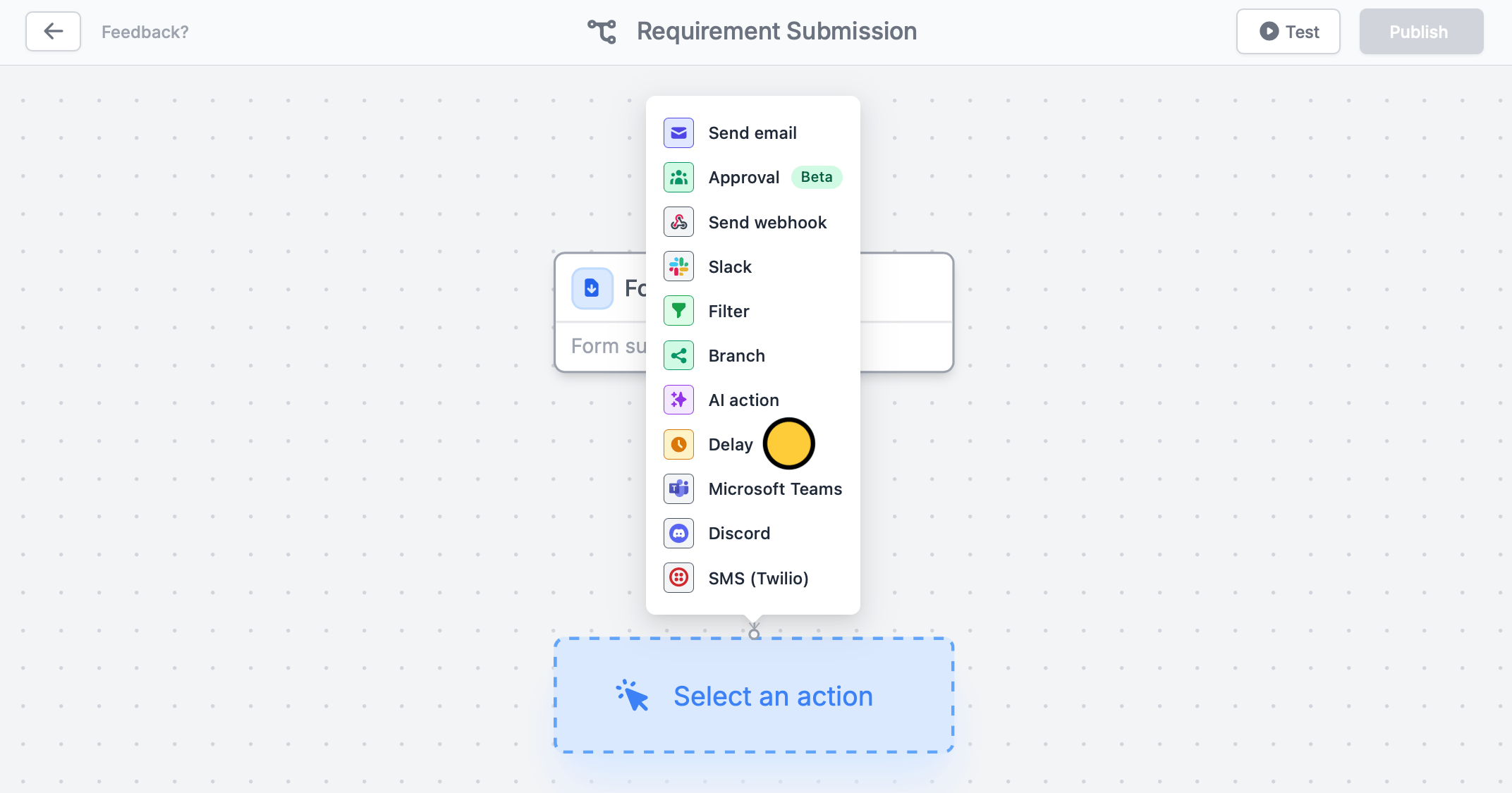 Click under Delay to add another **action**. For this example, let’s choose `Send email`. We'll email them a list of requirements to submit. Remember to `Test` your workflow.
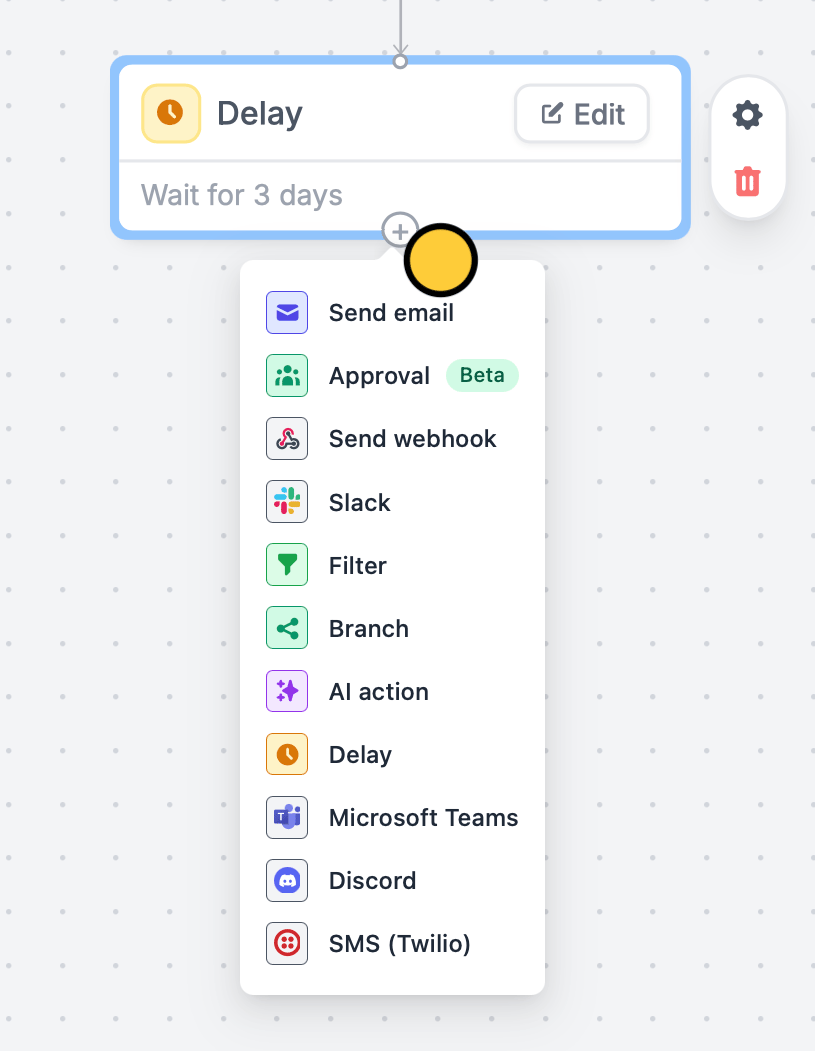 That’s it! `Publish` and share your form. Now, every form submission will send the custom email to respondents 3 days after completing the form.
## Related articles
Simplify task flows with native multi-step automations.
Automate sending, pipe previous answers, and style your email.
Send reminders to yourself and other hosts.
That’s it! `Publish` and share your form. Now, every form submission will send the custom email to respondents 3 days after completing the form.
## Related articles
Simplify task flows with native multi-step automations.
Automate sending, pipe previous answers, and style your email.
Send reminders to yourself and other hosts.