> ## Documentation Index
> Fetch the complete documentation index at: https://fillout-005a867b-dependabot-npm-and-yarn-form-data-4-0-6.mintlify.site/llms.txt
> Use this file to discover all available pages before exploring further.
# Set a default theme
> Use a default theme for all new forms in your organization.
## Overview
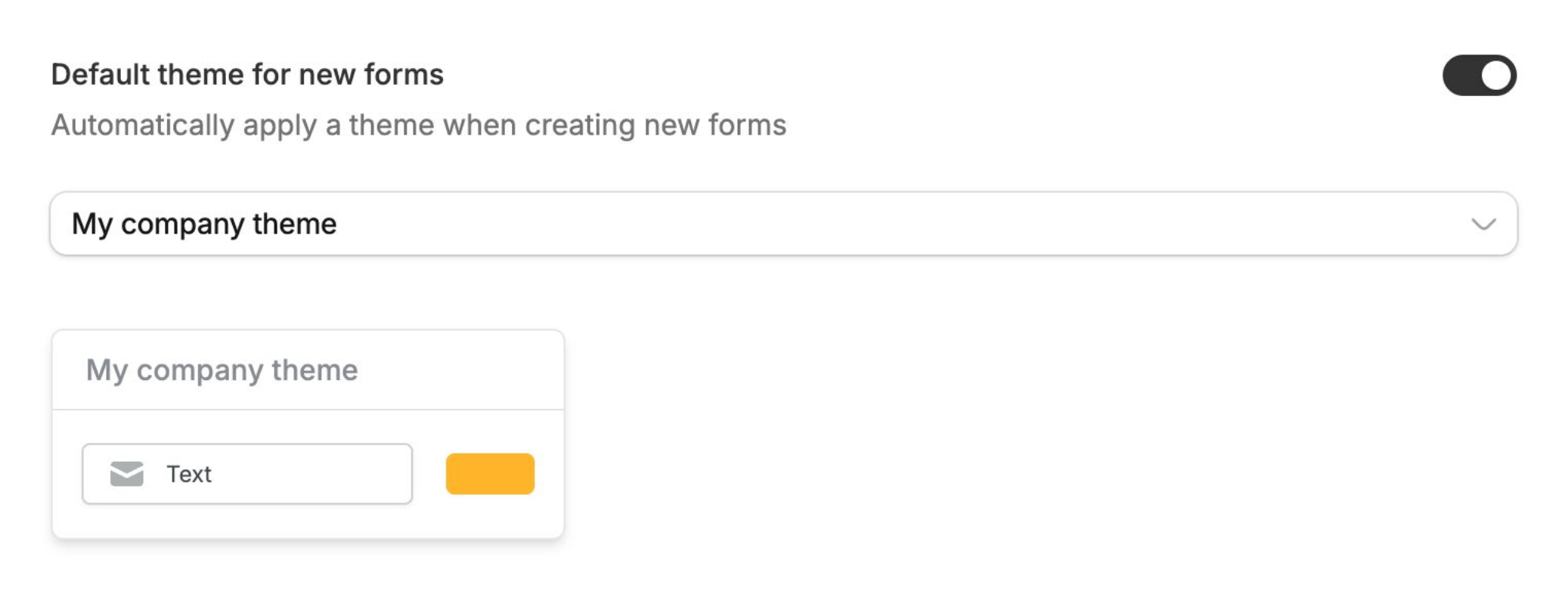
You can choose a default theme that will automatically be applied to all new forms created in your organization.
This helps keep your forms consistent without needing to set a theme every time.
This feature is available on the **Team** and **Enterprise** plans. Click [here](https://www.zite.com/pricing) to learn more.
## How to set a default theme
From the dashboard, click your `Account name` followed by `Settings`. You'll be redirected to [General](https://build.fillout.com/home/settings/general) settings.\
Scroll down to toggle `Default theme for new forms`. Then, choose a form theme.