> ## Documentation Index
> Fetch the complete documentation index at: https://fillout-005a867b-dependabot-npm-and-yarn-form-data-4-0-6.mintlify.site/llms.txt
> Use this file to discover all available pages before exploring further.
# Customize form share link
> Customize Meta information of your form link, like the image and text that appear when you share your form on other sites. Remove the Fillout branding on the share image.
## Overview
Customizing your form’s **link preview text** and **image** is an important way to optimize the shareability of your form. When you share your form on other sites or social media platforms, the **Meta information** such as the title, description, and thumbnail play a crucial role in attracting users to click on your link.
 This feature is available to **Pro** users and above. For more details on pricing, click [**here**](https://www.fillout.com/pricing).
## How to edit share preview
By default, your form's share preview shows the name of your form and a general description. To change this, click `Share` on top.
This feature is available to **Pro** users and above. For more details on pricing, click [**here**](https://www.fillout.com/pricing).
## How to edit share preview
By default, your form's share preview shows the name of your form and a general description. To change this, click `Share` on top.
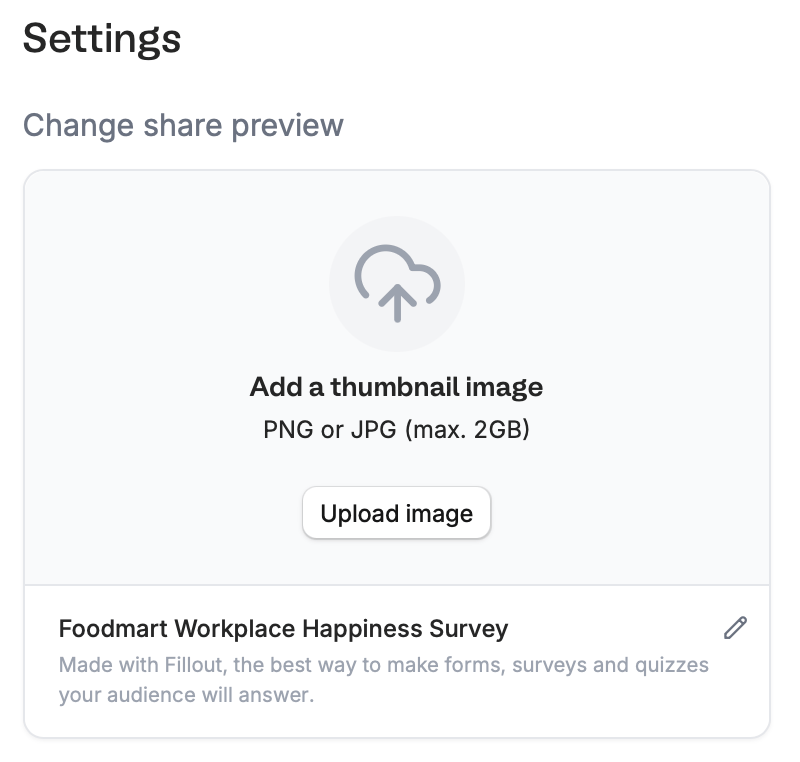 On the lower right area, edit the details as you see fit and `Upload image` to change the default **Thumbnail**.
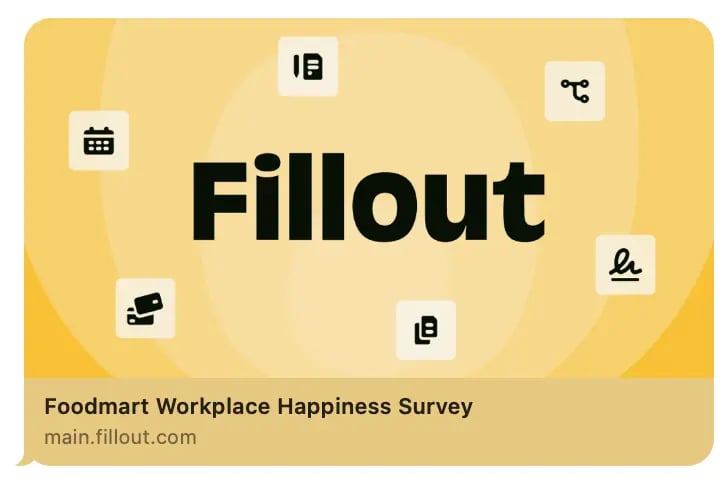
`Copy` your form link and paste it anywhere you'd like, such as a messaging app or website. Here's how our example looks like when sent in iMessage.
On the lower right area, edit the details as you see fit and `Upload image` to change the default **Thumbnail**.
`Copy` your form link and paste it anywhere you'd like, such as a messaging app or website. Here's how our example looks like when sent in iMessage.
 Remember to `Publish` your form to make the latest changes reflect.
Preview images are cached by platforms, so it may take time for the updated thumbnail to show. Test your preview [here](https://www.opengraph.xyz).
## Related articles
Customize your form's share link, subdomain and URL ending.
Add a professional touch and create strong brand identity.
Customize form URLs to enhance your branding.
Remember to `Publish` your form to make the latest changes reflect.
Preview images are cached by platforms, so it may take time for the updated thumbnail to show. Test your preview [here](https://www.opengraph.xyz).
## Related articles
Customize your form's share link, subdomain and URL ending.
Add a professional touch and create strong brand identity.
Customize form URLs to enhance your branding.