> ## Documentation Index
> Fetch the complete documentation index at: https://fillout-005a867b-dependabot-npm-and-yarn-form-data-4-0-6.mintlify.site/llms.txt
> Use this file to discover all available pages before exploring further.
# Billing and payments
> Get prior invoices, upgrade or downgrade or cancel your account.
## Upgrade or downgrade your plan
You can directly access billing [here](https://app.fillout.com/home/settings/billing).
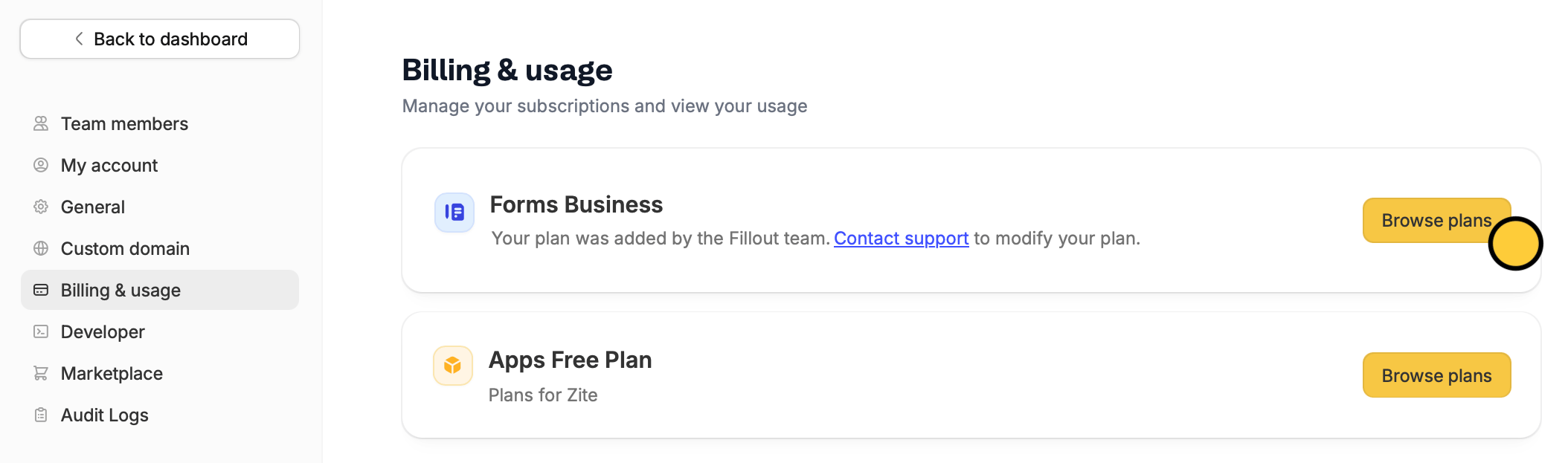 Alternatively, click your `Account name` on the upper left corner followed by `Settings`. Then, click `Billing & usage` in left the side to `Browse plans`.
Downgrades take effect at the end of your billing cycle, and you won’t be charged afterward unless you upgrade again. Enterprise customers should contact their account manager or email [support@fillout.com](mailto:support@fillout.com)
### Payment methods
**Starter, Pro, Business, and Team:** Credit card only
**Enterprise:** In addition to credit card payments, Enterprise customers can pay via wire transfers, purchase orders (POs), invoice payments, and ACH.
If you are interested in an Enterprise plan, please reach out to our team [here](https://www.fillout.com/enterprise).
## Get invoices
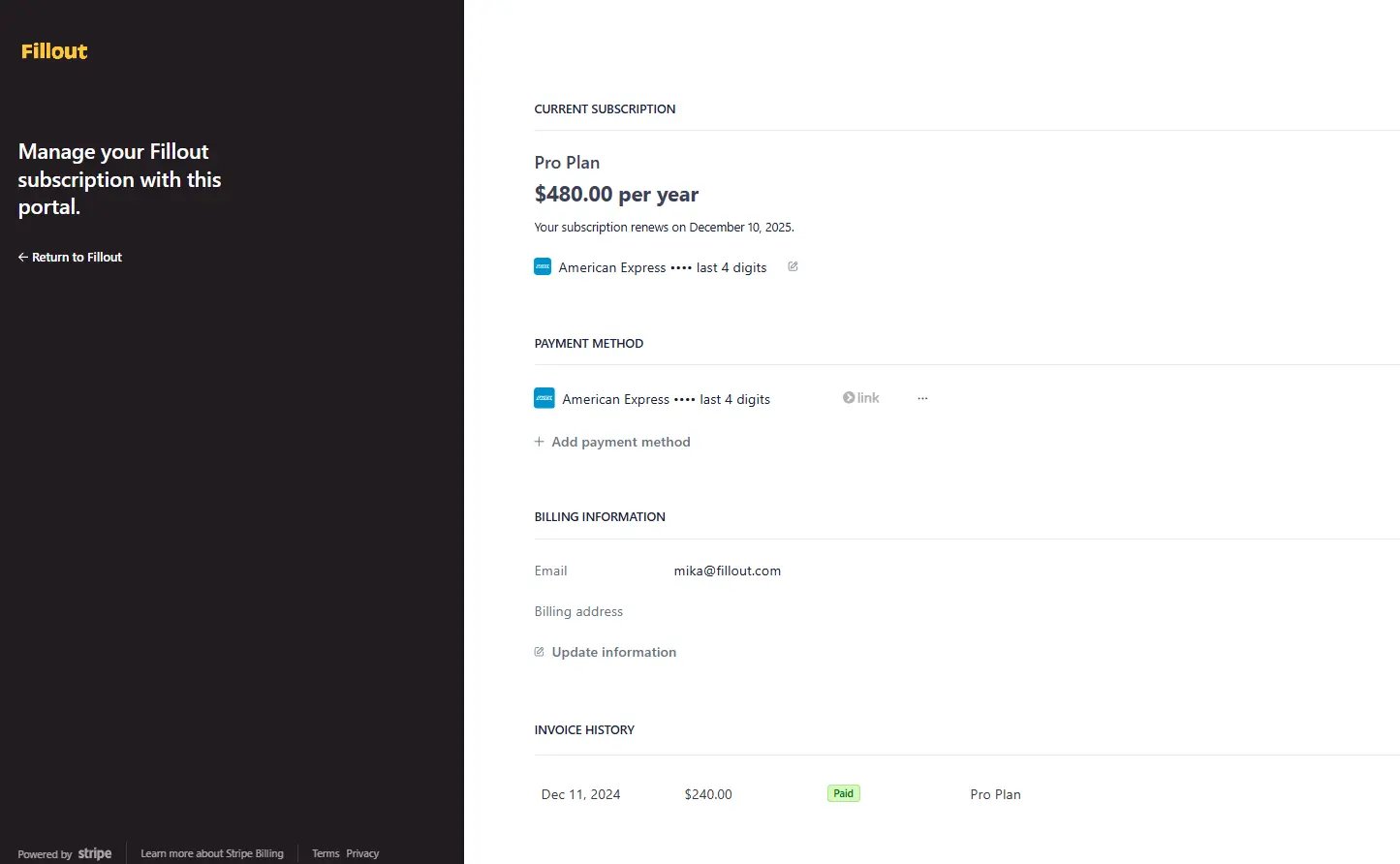
You can access prior billing invoices in the [billing portal](https://app.fillout.com/home/settings/billing). Click on an invoice to download it.
Alternatively, click your `Account name` on the upper left corner followed by `Settings`. Then, click `Billing & usage` in left the side to `Browse plans`.
Downgrades take effect at the end of your billing cycle, and you won’t be charged afterward unless you upgrade again. Enterprise customers should contact their account manager or email [support@fillout.com](mailto:support@fillout.com)
### Payment methods
**Starter, Pro, Business, and Team:** Credit card only
**Enterprise:** In addition to credit card payments, Enterprise customers can pay via wire transfers, purchase orders (POs), invoice payments, and ACH.
If you are interested in an Enterprise plan, please reach out to our team [here](https://www.fillout.com/enterprise).
## Get invoices
You can access prior billing invoices in the [billing portal](https://app.fillout.com/home/settings/billing). Click on an invoice to download it.